

It can help, not replace people.
By Elizabeth Ndungu | Founder, Ndungu Consulting | Tech Coach for Adults 50+
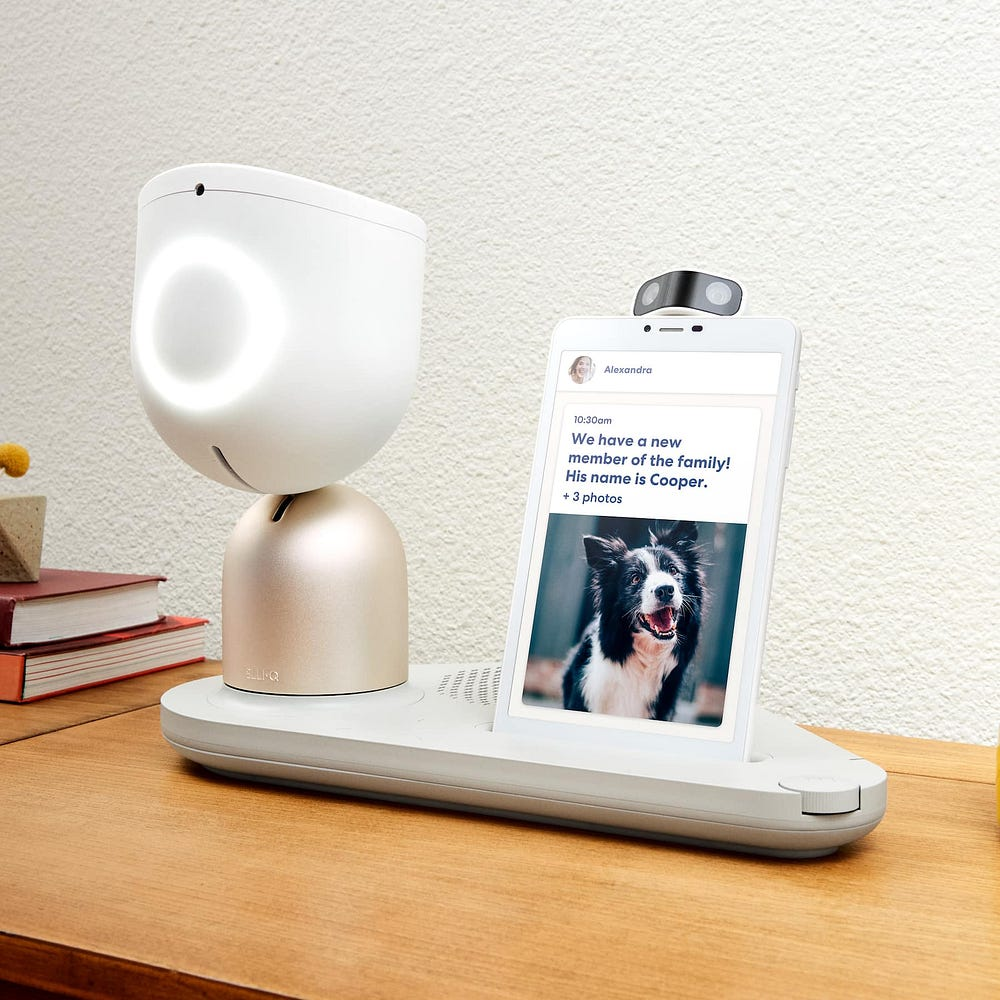
An AI companion robot for seniors can say good morning before anyone else calls.
It can ask how you slept. It can suggest a stretch. It can remind you about an appointment.
For someone living alone, that can matter.
But to say that it can “cure loneliness” is too big a promise.
Loneliness is not only the absence of sound. It is the absence of being known by another person.

What These Devices Do
Some companion devices are designed to be proactive.
That means they do not only wait for a command.
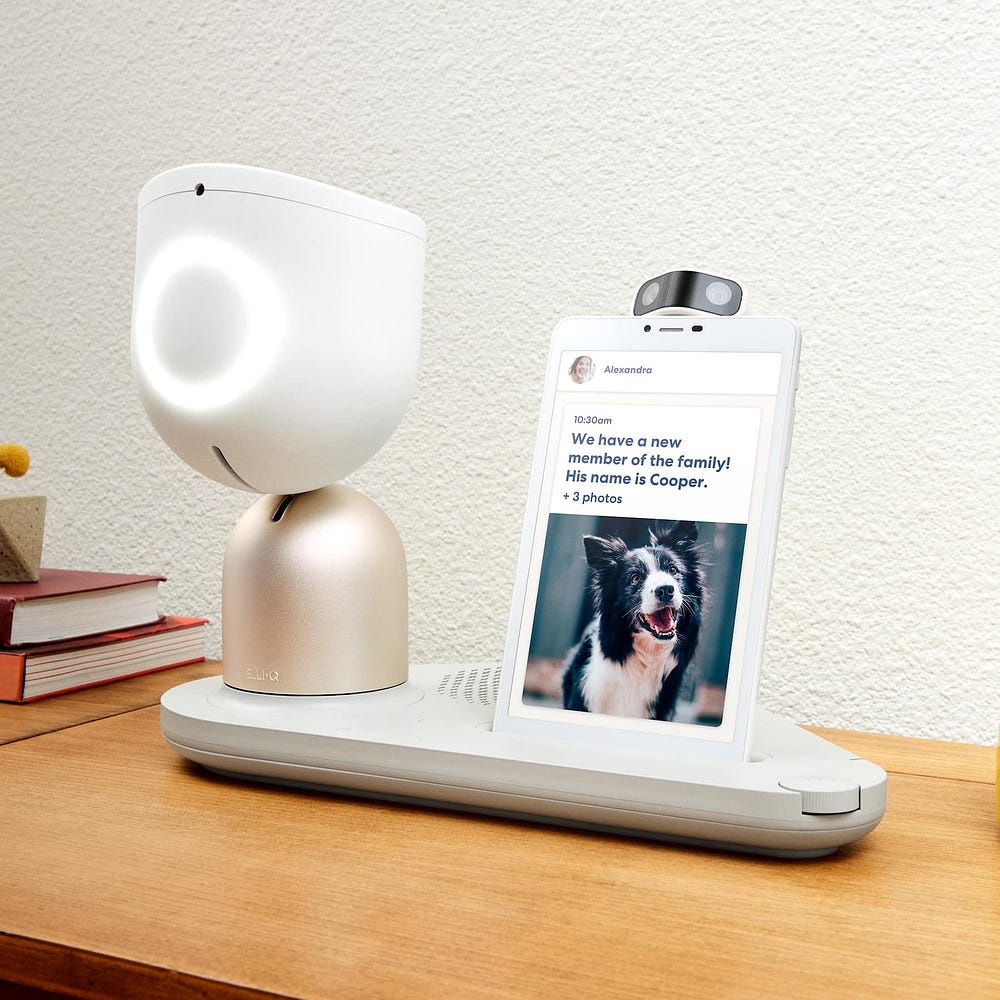
They may start a conversation, suggest an activity, remind the person about a routine, or ask if they want to call a family member.
That makes them different from a basic smart speaker.
A smart speaker usually responds when you ask a question.
A companion robot may check in first.
That can feel friendly. It can also feel intrusive. The difference depends on the person using it.
What the Loneliness Number Means
New York’s Office for the Aging has reported reduced loneliness among older adults who used ElliQ, an AI companion robot, through its program.
That matters.
It also needs careful wording.
A loneliness score dropping in a program does not mean every older adult will feel the same way. It does not mean a robot replaces family. It does not mean grief disappears.
It means some users reported feeling less lonely while using the device.
That is a meaningful result, but it is not magic.
Why This Can Help Some People
A quiet house can make the day feel longer.
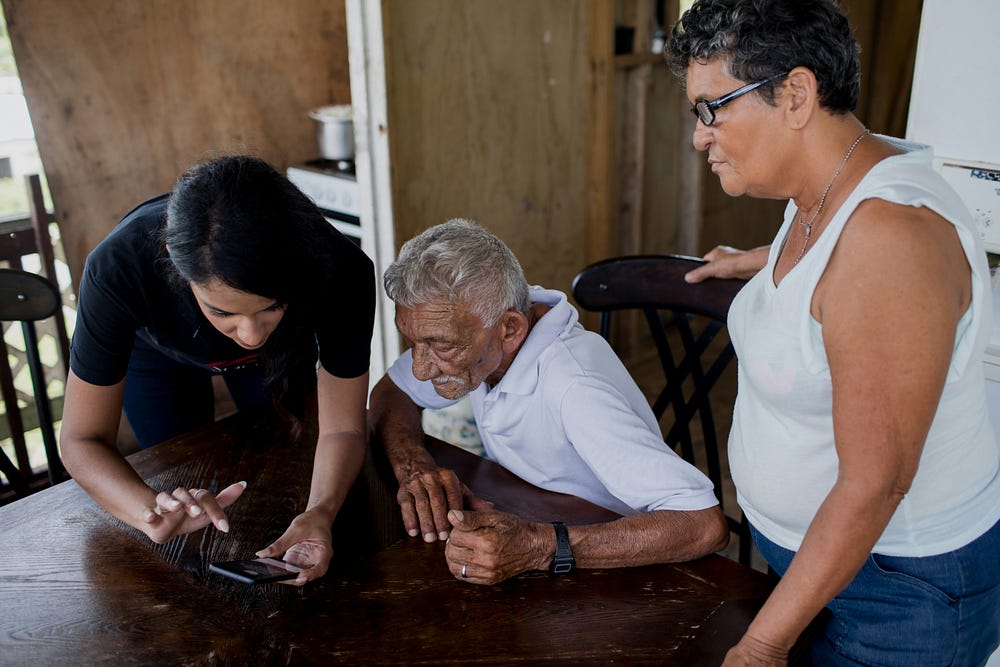
A companion device may help with the hours between human contact. It can offer a voice in the room. It can prompt movement, music, games, reminders, or calls.
That kind of support can be useful.
It may help most when it points the person back toward real life instead of pulling them away from it.
A useful companion robot should make it easier to stay connected to people.
It should not become the only connection.
A Clear Example of the Pattern
Here is the type of situation these devices are designed for.
An older adult lives alone and speaks with family a few times a week. The evenings feel quiet. The person does not need medical monitoring, but does need routine, reminders, and a small amount of social prompting.
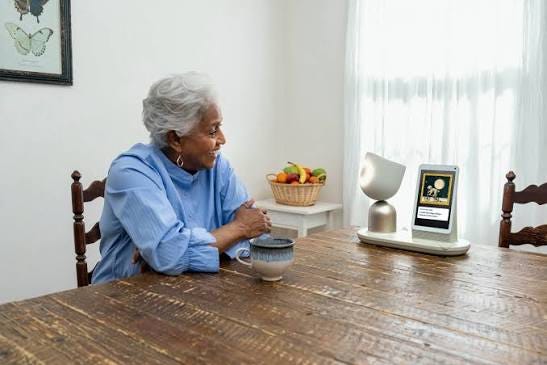
A companion device checks in. It suggests a call, a walk, or a memory game. The person still talks to family and still makes their own choices.
That is a supportive use.
A risky use would be different. The person begins relying on the device for emotional support they no longer seek from people, or the family treats the device as a substitute for visits and calls.
This is an illustrative example. It is not a client story.
Privacy Questions to Ask
A device that speaks with you in your home deserves questions.
Before accepting or buying one, ask:
- What does it record?
- Does it save audio or video?
- Who can review the information?
- Can family members see activity data?
- Does the company use data to improve the product?
- Can you delete your information?
- What happens if you stop using the device?
Do not accept vague answers.
You do not need to understand every technical detail. You do need to understand what is being collected and who can see it.
What Not to Connect
Keep sensitive accounts separate.
Do not connect a companion device to:
- Online banking
- Credit card accounts
- Social Security accounts
- Medical portals
- Email accounts with private information
- Password managers
Use it for reminders, conversation, activities, calendar prompts, and social check-ins.
That keeps the device in a safer role.
Is an AI Companion Robot Safe for Adults Over 50?
It can be safe when used with clear limits.
The rule is simple:
Use it for routine and company, but keep private accounts, medical decisions, and financial decisions outside the device.
A companion robot can support a day.
It should not manage a life.
What This Says About You
Trying a new tool later in life takes nerve.
So does admitting that some hours feel lonely.
You do not need a robot to prove you are connected. You already have a lifetime of relationships, habits, memories, and judgment.
If a device helps you get through quiet parts of the day, that help counts.
Just keep the people in the picture.
A machine may remember your routine.
People remember your life.
I write regularly about technology safety and digital literacy for adults over 50. Following me here on Medium is the best way to see the next piece when it comes out.
AI Survival Kit, a bundle of beginner AI and AI safety guides, is available
here: https://elizabethw2.gumroad.com/l/AIsurvivalkit
For calm, one-on-one technology help with no pressure, no jargon, and no embarrassment, visit ndunguconsulting.com.

A note on AI accuracy
AI tools including ChatGPT, Claude, and Gemini can and do make mistakes. They can state incorrect information confidently and without flagging it as uncertain. Always verify anything important, especially in medical, legal, financial, or safety contexts, through a qualified professional or a verified source. These tools are aids for thinking and drafting, not authoritative sources.
About the Author
Elizabeth Ndungu is the founder of Ndungu Consulting, a technology coaching and digital literacy practice that helps adults over 50 build confidence with everyday technology. Computers, phones, AI tools, email, Microsoft Office, online safety, and digital skills in plain English. She provides patient, practical support for people who want to learn without jargon, pressure, or embarrassment.
Sources
New York State Office for the Aging, “NYSOFA’s Rollout of AI Companion Robot ElliQ Shows 95% Reduction in Loneliness,” 2026: https://aging.ny.gov/news/nysofas-rollout-ai-companion-robot-elliq-shows-95-reduction-loneliness
ElliQ, “ElliQ Privacy Policy,” 2026: https://elliq.com/pages/elliq-privacy-policy
ElliQ, “FAQs,” 2026: https://elliq.com/pages/faqs
PMC, “ElliQ, an AI-Driven Social Robot to Alleviate Loneliness,” 2024: https://pmc.ncbi.nlm.nih.gov/articles/PMC10917141/
Leave a Reply